
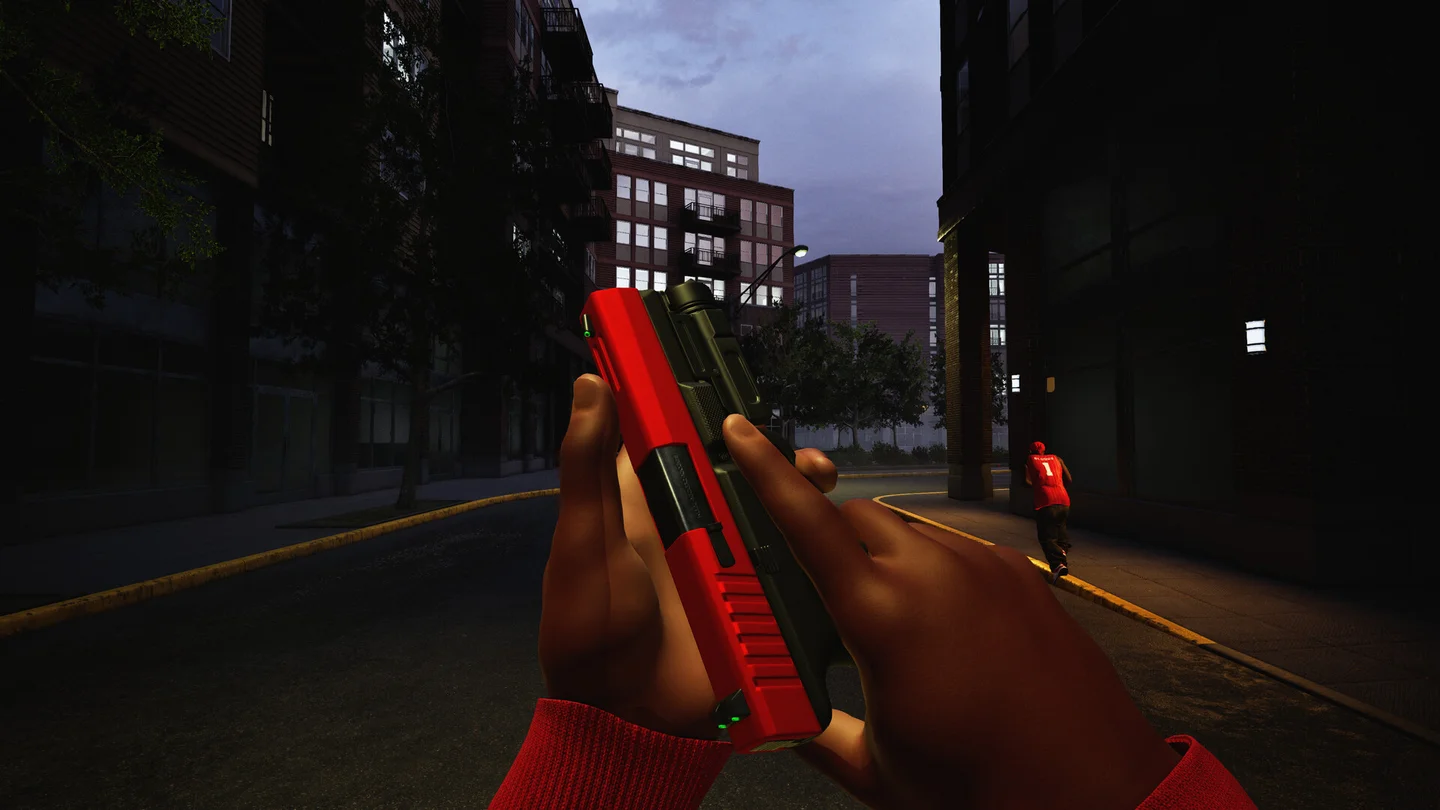
Start with the official Steam release
Hood Warfare 2 is a shooter developed and published by Trapstar Games. To play the PC release, open its Steam store page, confirm App ID 5155360 and check the Windows requirements before purchasing and installing through Steam.
The US store displayed $5.99 when checked on October 16, 2026. Prices, taxes, currencies and discounts can differ by region and change over time; the price shown in your own Steam store is the one to use. This website does not sell or host the game.
- Confirm the title is Hood Warfare 2, rather than the original Hood Warfare.
- Compare your PC's processor, graphics card, memory and storage with the store requirements below.
- Install the purchased game from your Steam Library and allow pending downloads to finish.
- Before inviting friends, make sure everyone has installed the available game update.
PC system requirements
These requirements are transcribed from the official Steam listing checked on October 16. They are developer requirements, not our benchmark results. Meeting them does not establish a particular frame rate at a particular resolution.
The store also discloses Easy Anti-Cheat as kernel-level anti-cheat. Review that disclosure on Steam before installing if it affects your decision.
| Component | Minimum listed | Recommended listed |
|---|---|---|
| Operating system | Windows 10 64-bit, version 1909 or newer | Windows 11 |
| Processor | Intel Core i5-9600K / AMD Ryzen 5 3600 | Intel Core i5-12600K / AMD Ryzen 5 7600 |
| Memory | 8 GB RAM | 16 GB RAM |
| Graphics | NVIDIA GTX 1660 / AMD RX 5600 XT, 6 GB | NVIDIA RTX 3060 Ti / RTX 4060, 8 GB |
| DirectX | Version 12 | Version 12 |
| Available storage | 25 GB | 30 GB |
Choose a mode by its objective
The official store describes six modes. Learn the objective as well as the shooting: a team can need a capture, a pickup or a planted objective even when an opponent is nearby.
The store also lists bots and custom match settings. Those can be useful places to familiarize yourself with movement and equipment where available. This guide has not tested the in-game menus, so it does not invent a button-by-button lobby walkthrough.
| Mode | Objective described by the official store |
|---|---|
| Turf War | Fight over control points. |
| GangBang | Earn kills for your team. |
| Chaos | Free-for-all combat. |
| Hit A Lick | Capture the opposing side's bag. |
| Destroy The Block | One-life rounds built around planting or defending an explosive objective. |
| Chain Snatch | Collect the items dropped after kills. |
Understand unlocks before chasing a loadout
The store describes weapons and equipment unlocking through player levels, attachments through weapon challenges, and skins through kills with the relevant weapon. Check the current in-game requirement for the specific item you want rather than assuming everything unlocks through a single progression track.
We have not independently tested weapon damage, recoil, unlock levels or attachment combinations. There is no verified best-gun ranking on this site yet. Start by learning one weapon's handling and the current mode's objective; a copied loadout is less useful if its unlock requirement or patch has changed.
Check these before your first group session
Party invitations arrived in the October 15 update, following password-protected private rooms on October 13 and team/lobby voice chat on October 12. An older launch-week guide may not include these features.
If friends are joining, decide whether you want to queue together using a party or organize a password-protected private match. If you cannot hear the game, the developer's October 13 note specifically points to the audio output device setting.